Registration
In order to use OpenRep SYNOPSIS on your computer, it is necessary to register it first. The registration procedure is simple. After installing the OpenRep SYNOPSIS on your machine and running OpenRep SYNOPSIS, the registration dialog will appear requesting Name, address and e-mail.
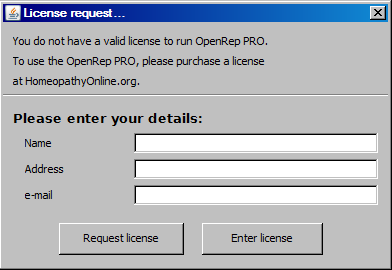
After adding all the necessary information, it is important to click the Request license button, which opens a new dialog.
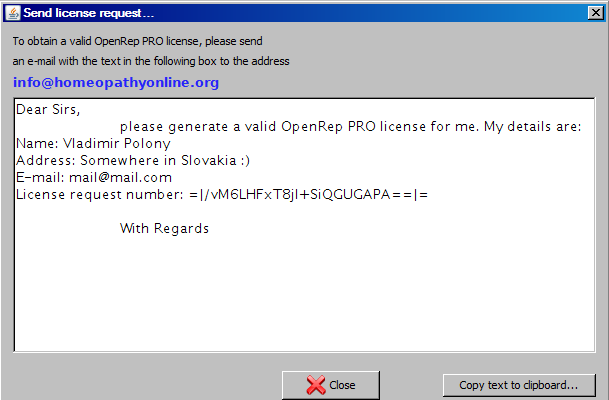
This dialog contains an e-mail, which must be sent to the info@homeopathyonline.org. After sending this e-mail, you will receive an e-mail with the registration key.
After receiveing the registration key, run OpenRep SYNOPSIS again. In the Registration dialog do click the Enter license and copy the contents of the whole e-mail that you have received from info@homeopathyonline.org with the registration key into the text field. After clicking the OK button, your program is registered.